Technology in the Classroom for Preschoolers: How Teachers Can Use Digital Learning the Right Way
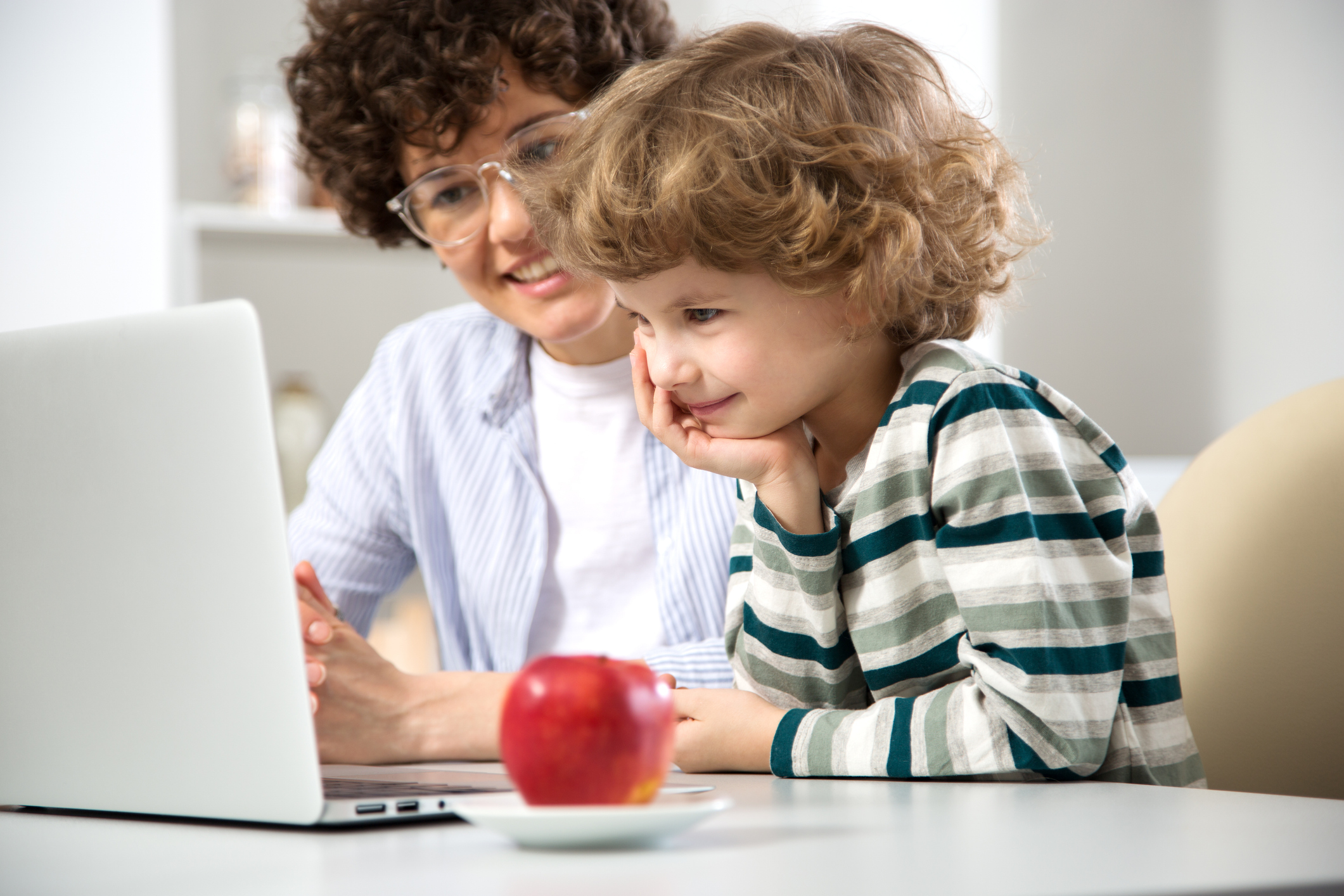
Technology in the classroom does not have to mean long screen time, silent tablets, or children sitting still for too long.
For preschool teachers, technology works best when it is short, playful, guided, and connected to real classroom learning. A digital game can become a letter lesson. A counting activity can become a block-building challenge. A feelings game can become a circle-time conversation. A shape game can become a classroom treasure hunt.
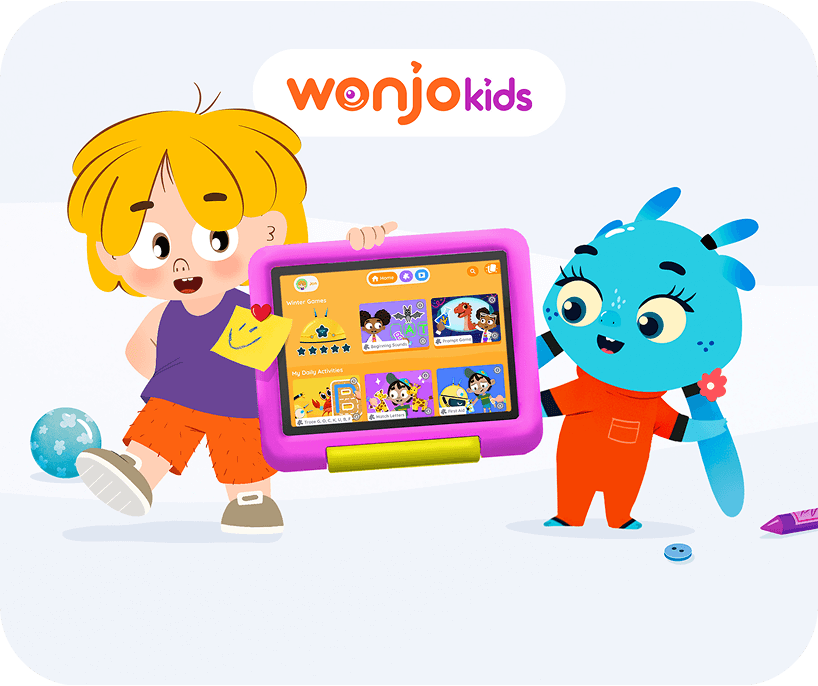
At WonJo Kids, we believe digital learning should support the teacher, not replace the teacher. The teacher brings the warmth, questions, encouragement, and celebrations that make learning feel safe and joyful.
This guide is for preschool, pre-K, and kindergarten teachers who want to use technology in the classroom in a thoughtful, age-appropriate way.
What Does Technology in the Preschool Classroom Really Mean?
Technology in the classroom is not only about tablets or smartboards. It can include:
- Interactive learning games
- Digital storytelling
- Audio prompts
- Visual timers
- Digital drawing tools
- Letter tracing games
- Counting and sorting games
- Classroom display screens
- Assistive tools for children who need extra support
For young children, the best technology is simple. It gives them something to do, not just something to watch.
They might tap, trace, match, sort, count, listen, choose, repeat, or solve. And the teacher brings that digital moment back into the real classroom through talk, movement, art, blocks, books, or hands-on play.
Why Technology Should Be Used Carefully in Preschool
Preschool children do not learn by sitting still for too long. They learn with their whole bodies. They move, touch, talk, build, sing, pretend, wonder, try, wobble, and try again. That is how young children make sense of the world.
So when technology comes into the classroom, it needs a thoughtful role.
Not all screen time works the same way. Some digital activities invite children to think, choose, notice, count, match, solve, and explain. Others ask children to tap again and again without really thinking. That second kind may look busy, but busy is not the same as learning.
Young children need active minds and active bodies. They need time with blocks, books, crayons, songs, stories, friends, teacher questions, and real materials they can hold in their hands.
A good digital activity should add to that world, not take children away from it. The best question is not, “Are we using screens?”. The better question is, “What is this helping children do?”
Are they thinking?
Are they choosing?
Are they talking?
Are they connecting the game to real classroom play?
Are they getting a chance to try, make a mistake, and feel proud when they try again?
If yes, technology can be a useful little learning tool. At Wonjo Kids, we believe technology should support childhood, not take over childhood.
The Benefits of Technology in the Classroom
When teachers use technology with a clear purpose, it can support many early learning skills.
1. It Makes Learning More Interactive
Young children love to touch, move, and respond. Interactive games let children take action instead of only listening.
For example, a child can match uppercase and lowercase letters, count objects, sort colors, or choose the correct feeling face. This keeps learning active and playful.
That is the big difference between passive screen use and active screen time. Children are not just watching something happen. They are thinking, choosing, trying, and responding, all the little actions that help learning stick.
2. It Gives Children Gentle, Repeated Practice
Some children feel nervous when asked to answer in front of the group. A game gives them a softer way to try.
They can make a choice, see what happens, and try again. That “try again” moment is powerful because it helps children build confidence.
When children replay the same learning game, they get more chances to practice the same skill without feeling tested. Each replay gives them another tiny “I can do this” moment.
A good digital game does not rush children past the skill. It gives them room to repeat, notice, improve, and feel proud when something finally clicks.
3. It Supports Visual and Auditory Learning
Preschoolers learn better when they can see, hear, and touch at the same time. A digital activity can show a letter, say the sound, and let the child trace or match it.
This is especially helpful for phonics, vocabulary, counting, and shapes.
4. It Creates Easy Small-Group Practice
Technology can work well as one part of a classroom rotation.
For example:
- Group 1 works with the teacher.
- Group 2 does a hands-on activity.
- Group 3 plays a short learning game.
This makes technology part of the classroom flow, not the whole lesson.
5. It Can Support Inclusive Learning
Technology can also act as assistive support. Some children may need visual cues, audio prompts, repeated practice, or touch-based activities to participate comfortably.
A child who is not ready to speak in circle time may still point to an answer. A child who struggles with pencil tracing may first trace letters digitally. A child who needs help calming down may respond well to a guided breathing game.
Technology gives children another way in.
How Teachers Can Use Educational Games in Preschool Classrooms
Educational games can be used before, during, or after hands-on lessons. Here are practical classroom ways to use digital learning without overusing screens.
1. Use Technology as a Circle Time Starter
A short game can help introduce the day’s learning focus.
If the lesson is about letters, begin with a letter matching game. If the theme is feelings, begin with an emotion game. If the class is learning shapes, begin with a shape activity.
Try these WonJo Kids games:
Teacher prompt:
“What do you notice?”
“Who can show me this shape with their hands?”
“Can you find this letter in your name?”
“When might someone feel this way?”
This turns a short digital moment into a rich classroom conversation.
2. Turn Digital Games into Interactive Centers
Interactive centers are a natural place for technology in preschool classrooms.
You can create a simple rotation:
- Teacher table
- Fine motor table
- Block or sensory table
- Digital learning center
The digital center should be short, focused, and connected to the weekly skill.
Example:
If children play a digital counting game, the next table can have counting bears or blocks. If children play a digital letter game, the next table can have magnetic letters or playdough letters.
This helps children connect screen learning with real-world materials.
3. Use Phonics Games for Early Literacy Practice
Phonics can feel big for little learners. Games make it lighter.
Teachers can use digital phonics games for letter sounds, CVC words, missing vowels, and simple word building.
Try these WonJo Kids games:
- Alphabet Tracing and Phonics Game
- Find the Missing Letter CVC Words
- Find Missing Vowel Letter
- CVC Word Games
- CVC Phonics Games
After the game, write one CVC word on the board, such as “cat.”
Ask:
“What sound comes first?”
“What sound is in the middle?”
“What happens if we change /c/ to /h/?”
Then children can build the same words with letter tiles, magnetic letters, or paper cards.
4. Use Math Games for Counting and Early Number Sense
Technology in the classroom works well when children can count, compare, and then use real objects.
Try these WonJo Kids games:
- Number Counting Game for Kids
- Number Tracing Game for Kids
- Simple Addition Game for Kids
- Owl Counting
- Telling Time Game for Kids
After a number game, children can:
- Build a tower with the same number of blocks
- Count classroom objects
- Match number cards to counters
- Make a number with playdough
- Clap or jump the number
Teacher prompt:
“You counted 6 owls. Can you make 6 claps?”
“Can you find 6 blue blocks?”
“What number comes next?”
This makes math playful and physical.
5. Use Shape and Color Games for Classroom Hunts
Shapes and colors are perfect for connecting digital learning to the classroom environment.
Try these WonJo Kids games:
- Bubble Shape
- Shape Games Online
- Sort Colors Kids Game
- Color Pattern Games for Kids
- Find the Different Color Game
After playing a shape game, invite children to find circles, squares, triangles, and rectangles in the classroom.
After a color sorting game, ask children to sort crayons, blocks, buttons, or toy animals by color.
Teacher prompt:
“The game showed us a triangle. Where can we find a triangle in our room?”
“You sorted red and blue in the game. Can you sort these blocks too?”
6. Use Technology for Social-Emotional Learning
Technology in preschool is not only for letters and numbers. It can also help children name feelings, notice facial expressions, and practice calming strategies.
Try these WonJo Kids games:
- Emotions Card Game
- Feelings Game
- Mindfulness Breathing Game for Preschoolers
- Bubble Pop Mindfulness Kids Game
Classroom use:
- Use an emotion game during morning meetings.
- Use a breathing game after outdoor play.
- Use a mindfulness game before rest time.
- Use feeling cards after the digital activity.
Teacher prompt:
“What feeling did you see?”
“What does your face look like when you feel that way?”
“What can we do when our body feels too busy?”
This helps children build emotional vocabulary in a gentle way.
7. Use Games to Build Memory, Focus, and Observation
Some games help children slow down and notice details. These are useful for attention, memory, problem-solving, and classroom readiness.
Try these WonJo Kids games:
- Shopping List Memory Game for Kids
- Duck Observation Game for Kids
- Find the Odd One Out Mole Preschool Game
- Ordering and Sequencing Game
After the game, place 4 classroom objects on a tray. Let children look for 10 seconds. Cover the tray. Remove one object. Ask, “What is missing?”
This keeps the same thinking skill going without a screen.
8. Use Science and Sorting Games for Theme-Based Learning
If your classroom theme is animals, community helpers, winter, recycling, or nature, digital games can make the topic even more exciting.
Try these WonJo Kids games:
- Animal Diet Game
- Animal Names Game for Kids
- Recycling Sorting Game for Kids
- Job Matching Puzzle for Kids
- Winter Phonics Game
After the recycling game, create three bins in class: paper, plastic, and food waste pretend items.
After the animal diet game, sort toy animals into groups:
- Animals that eat plants
- Animals that eat meat
- Animals that eat both
Teacher prompt:
“What does this animal eat?”
“Where should this item go?”
“How do you know?”
9. Use Games as a Teacher-Led Discussion Tool
The most powerful way to use classroom technology is not to hand over the device and walk away.
Instead, play together. Pause the game. Ask questions. Let children predict. Let them explain. Invite them to try again.
Helpful teacher prompts include:
- “What do you notice?”
- “What should we try next?”
- “How did you know?”
- “Can someone explain it another way?”
- “What happened when we changed it?”
- “Where else have we seen this?”
This is how educational games become real learning.
10. Use Digital Learning for Transition Moments
Preschool transitions can be tricky. Technology can help, but it should be calm and short.
Good transition uses include:
- A 2-minute breathing game before nap
- A feelings game before morning meeting
- A counting game before math centers
- A shape game before a shape hunt
- A short phonics game before literacy time
Avoid fast, noisy, overstimulating games during transitions. The goal is to help children move into the next part of the day smoothly.
11. Use Technology as Assistive Support
Assistive technology in the classroom means any tool that helps a child participate more fully.
For preschoolers, this might include:
- Visual prompts
- Audio instructions
- Touch-based games
- Digital tracing
- Picture choices
- Visual timers
- Calm breathing tools
- Repeated practice activities
A child who needs more time can repeat a game. A child who is shy can point instead of speaking. A child who struggles with fine motor skills can trace digitally before using a pencil.
The goal is not to make learning the same for every child. The goal is to make learning reachable for every child.
Best Practices for Technology in Preschool Classrooms
- Keep it short. Preschoolers do not need long screen sessions.
- Use it with a goal. Choose games that match your lesson.
- Play together when possible. Teacher talk makes the learning deeper.
- Extend it offline. Follow digital play with movement, art, blocks, sorting, or conversation.
- Choose active technology. Children should touch, think, answer, trace, count, sort, or solve.
- Avoid using technology only as a reward. Use it as a learning tool, not just free time.
- Watch the mood. If children become overstimulated, switch to calm hands-on play.
- Celebrate effort. Say, “You tried again,” “You noticed the pattern,” or “You found another way.”
Final Thoughts
Technology in the classroom works best when it opens a door.
A short educational game can open the door to a story, a question, a block tower, a counting tray, a shape hunt, a feelings conversation, or a proud little smile.
For preschool teachers, the goal is not to add more screen time. The goal is to use digital learning in a way that feels active, playful, inclusive, and connected to real classroom life.
At WonJo Kids, we believe children learn best when they feel curious, capable, and supported. With the right teacher beside them, technology can become one more joyful tool in the classroom.

Frequently Asked Questions
How much screen time is appropriate for using technology in a preschool classroom?
There's no need for long sessions — the article's guidance is to keep digital learning short, purposeful, and tied to a specific lesson goal, then move children back into hands-on play, talk, and movement. Technology works as one short rotation in the day, not as an extended activity on its own.
What's the difference between active and passive screen time in early childhood education?
Active screen time asks children to think, choose, respond, trace, count, or solve, keeping their minds engaged the way tapping a letter-matching game does. Passive screen time is repetitive tapping or watching without real decision-making, which looks busy but doesn't build the same learning skills.
Can educational technology support children with different learning needs in the classroom?
Yes, digital tools can work as assistive support for inclusive learning, offering visual prompts, audio instructions, touch-based practice, and repeatable activities. This lets a shy child point instead of speak, or lets a child who struggles with pencil control try tracing digitally first.
How can teachers connect a digital learning game back to hands-on classroom activities?
The key is extending the game offline right after playing it — for example, following a digital counting game with real counting bears, or a digital letter game with magnetic letters and playdough. This bridges what children practiced on-screen with tactile, real-world reinforcement.
Related Post
Screen Time Tips for Traveling with Toddlers and Preschoolers
What Does Screen Time Addiction Look Like in Preschoolers?
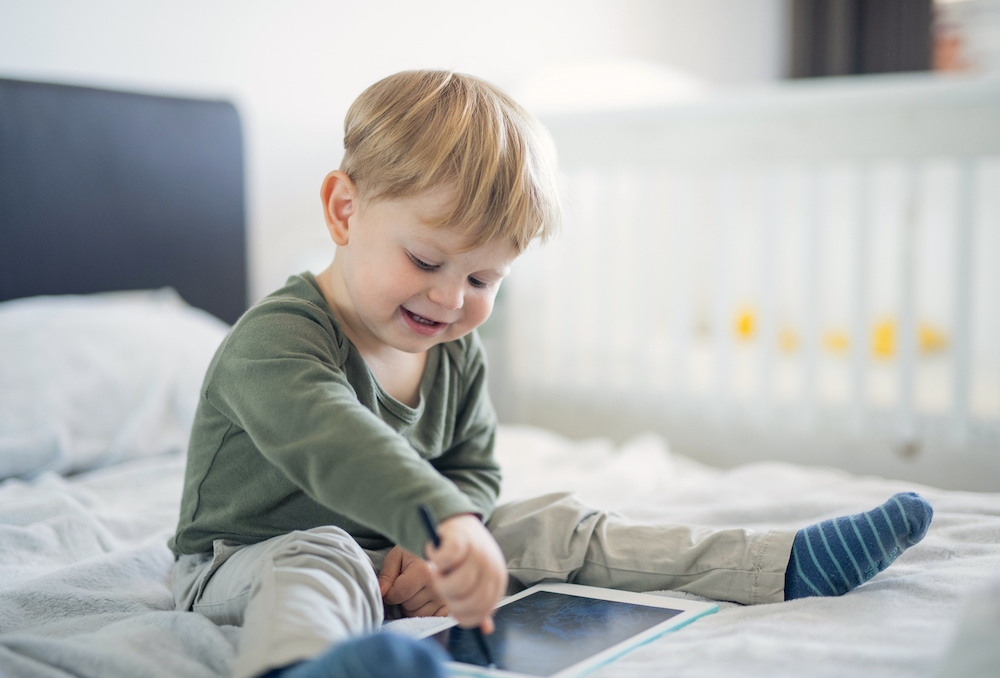
How to Choose Safe Apps for Your Preschooler
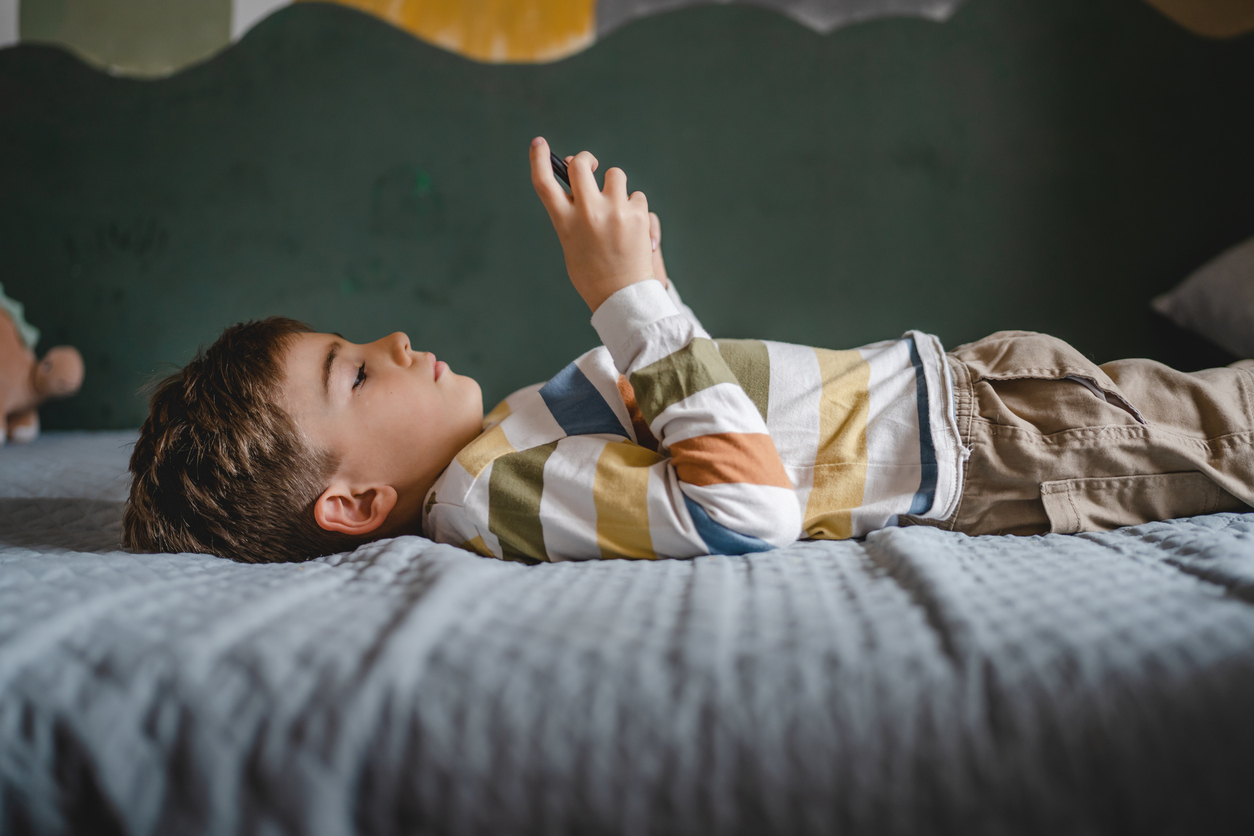
How Much Screen Time Should Kids Have? What Every Parent Should Know
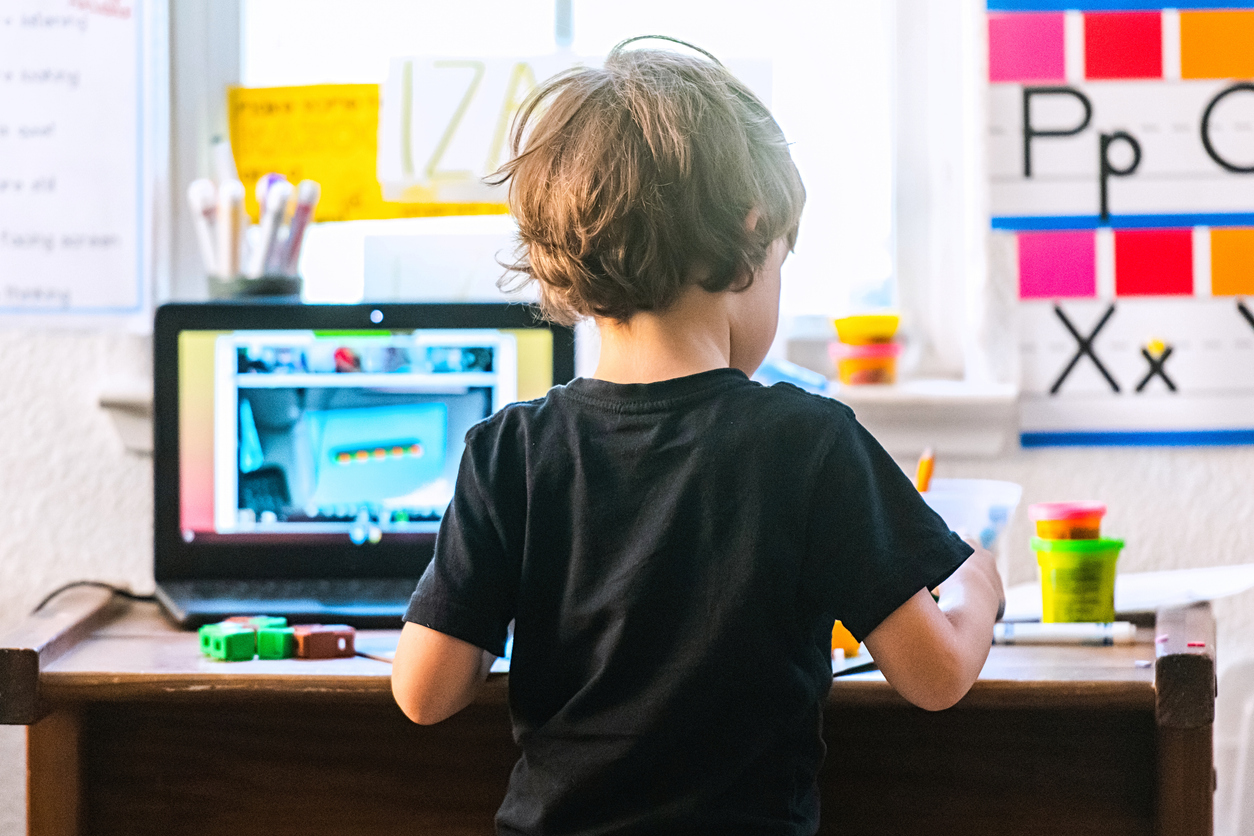
Transform Screen Time from Passive to Active Learning
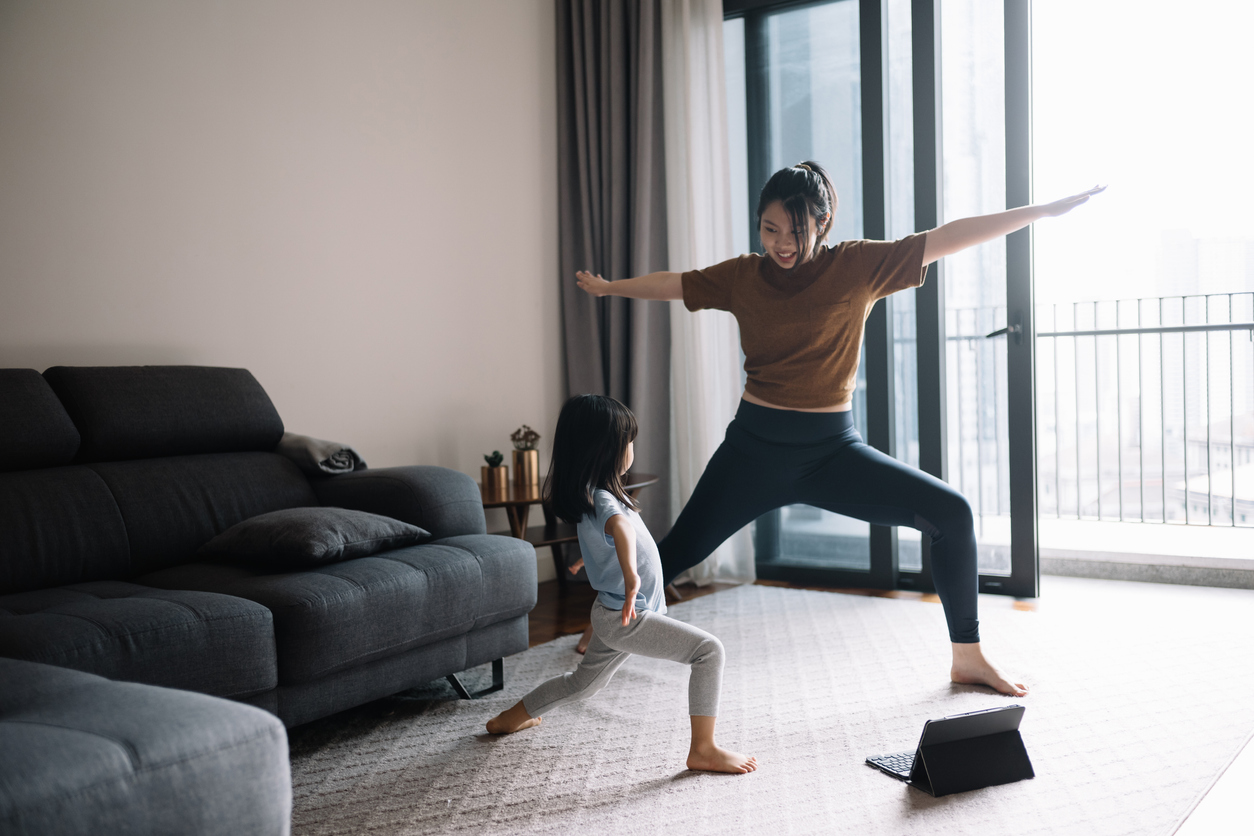
Helping Kids Develop a Healthy Relationship with Technology

Navigating Screen Time: A Guide for Parents

How to Choose the Best Educational App for Your Child?