Transform Screen Time from Passive to Active Learning
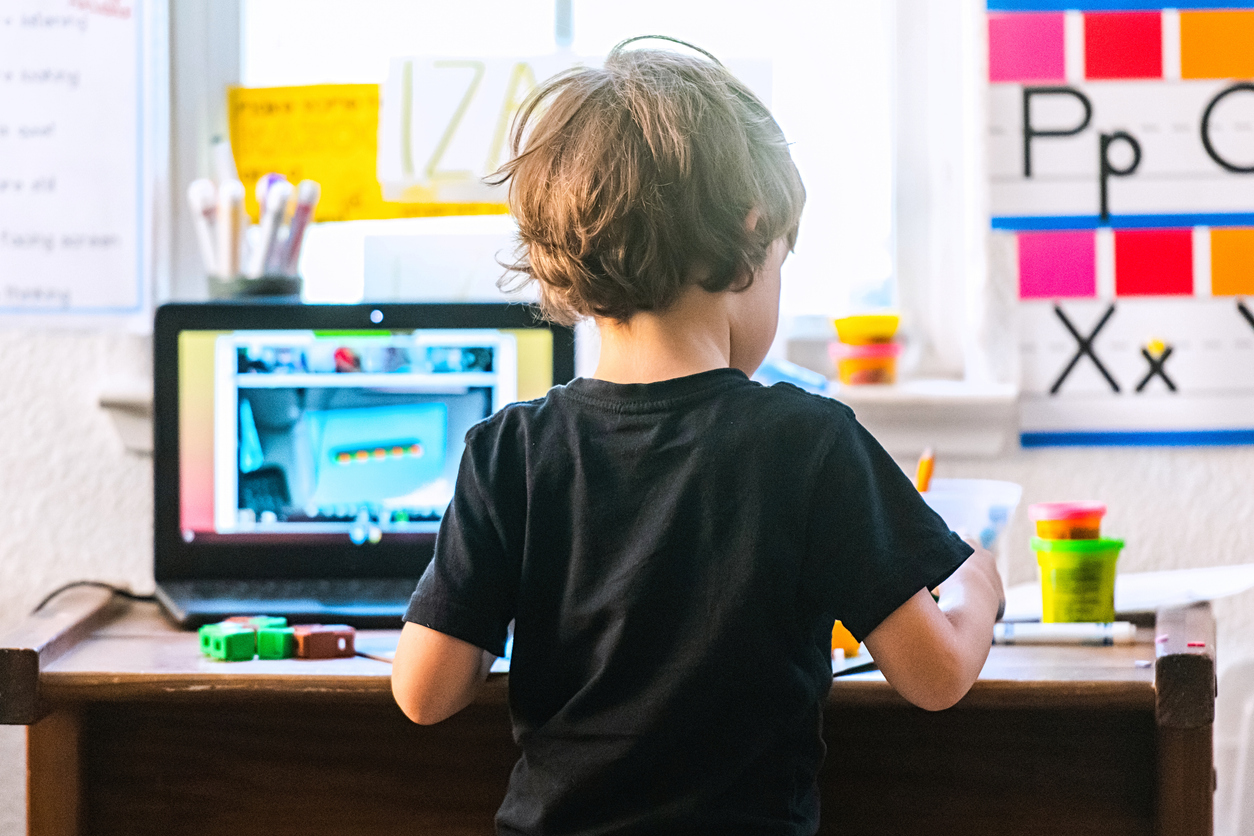
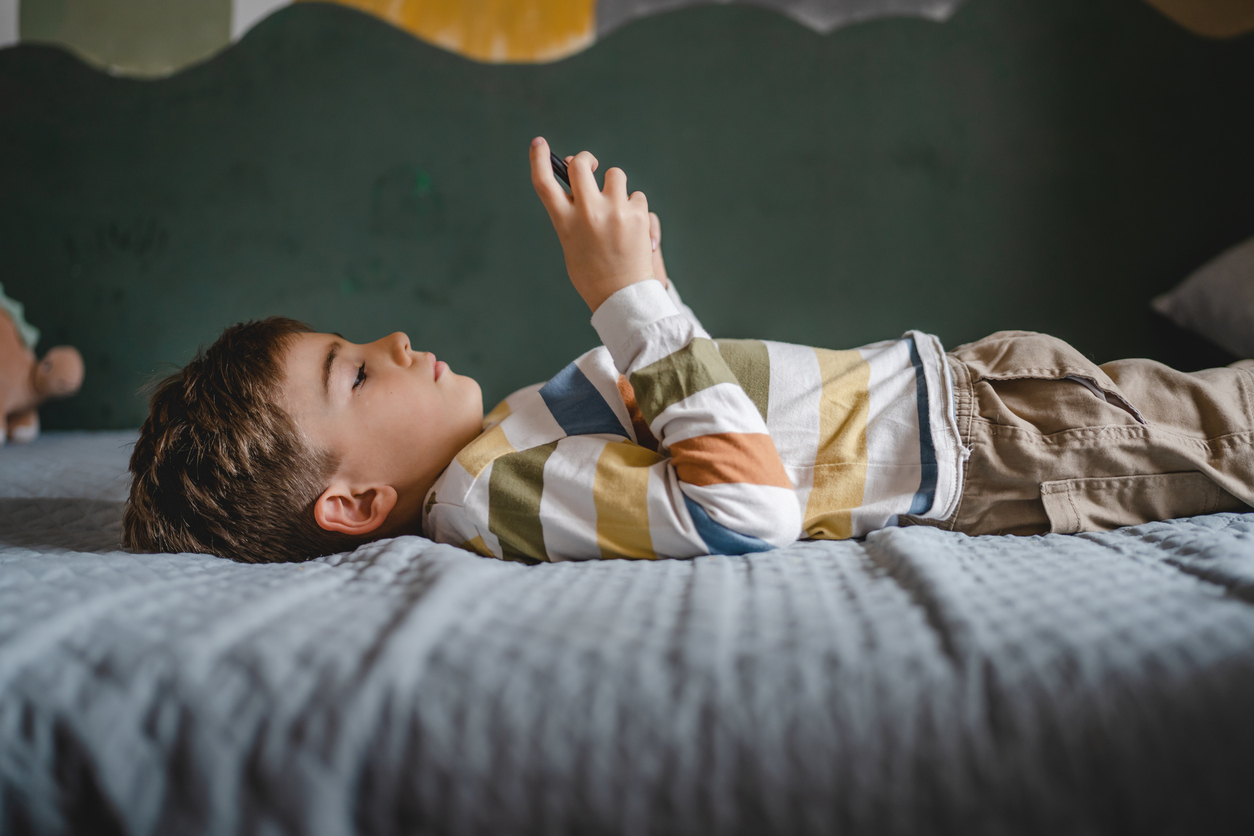
It’s easy to worry about kids spending too much time staring at screens. It can feel like they’re just watching videos or tapping through games without really thinking or doing much. But screen time doesn’t always have to be like that!
Imagine your child using technology to create, build, invent, and move. With the right choices, they can go from just watching to actively doing, using their minds and bodies to explore something new. Knowing what active learning looks like is only useful if you can recognise it in an app. How to choose the best educational app for your child turns the concept into a practical checklist — specific features to look for before you hand the tablet over
Here are a few ways to make screen time more creative, active, and engaging.
6 Active Screen Time Ideas
- Creative Apps:
Find apps where your child can make music, tell stories, or design characters. You can look for AI-powered tools that help kids bring their ideas to life. And join in the fun! Create a digital drawing, a cartoon, or a fun little tune together. If you’d rather start with a shortlist that’s already been assessed for both safety and active engagement, safe apps for preschoolers has done that work — each recommendation has been checked against the same criteria this article describes
- Coding Apps:
Try apps that introduce basic coding. Kids can build simple games or interactive stories with block-based tools.
- Physically Active Videos:
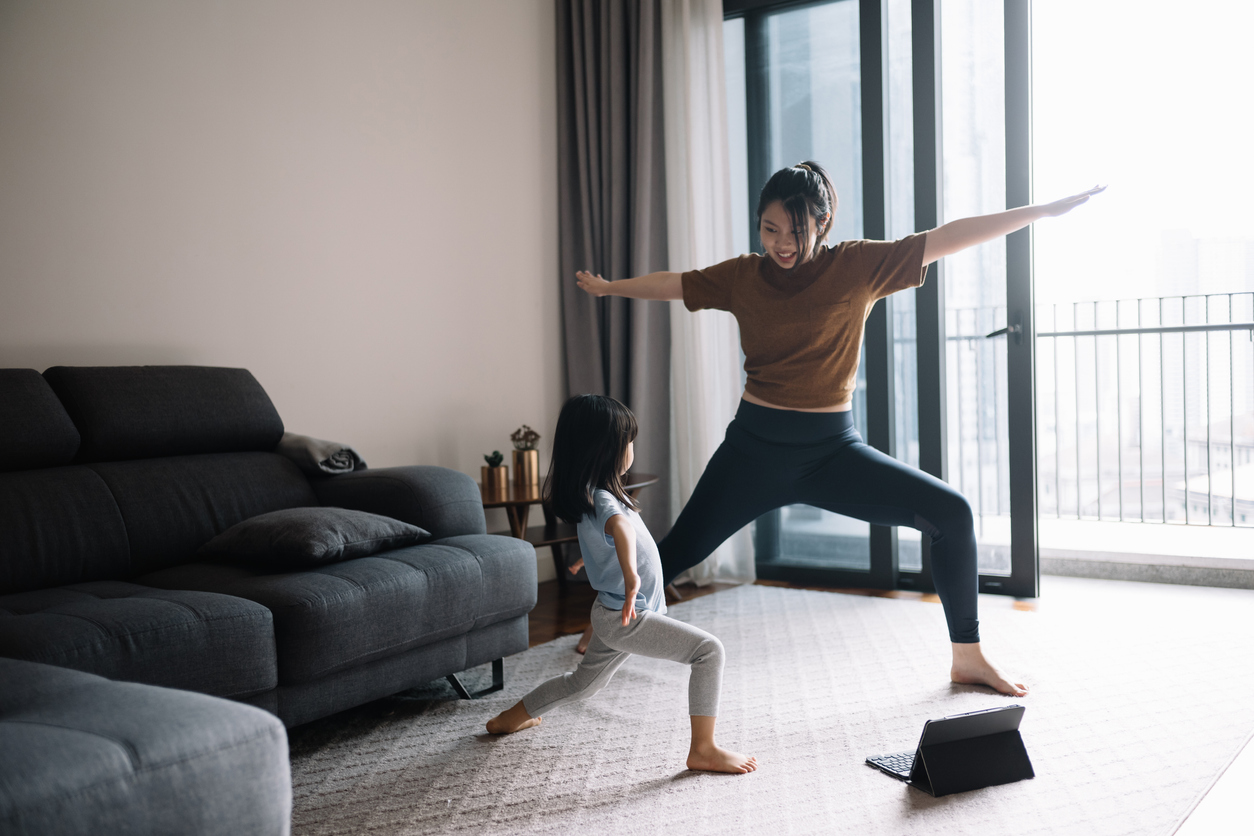
Find videos that get your child moving, whether it’s dancing, singing, or stretching. If they danced along to a video, ask them to teach you the moves!
One of the cleanest ways to transition out of screen time is into music. The Animal Dance Song moves children from screen to body — they act out the animals while the song plays, which carries the engagement forward without a hard stop that triggers resistance.
- Skill-Building Apps and Videos:
Explore apps or videos that teach new skills like playing an instrument or learning a new language. Many AI-powered platforms now adjust to your child’s pace and interests, making learning more personal. The Bubble Pop Mindfulness Game is a good example of the shift this article describes — children aren’t watching content, they’re responding to it, making choices, and practising a calming skill simultaneously. Short, purposeful, and genuinely engaging
- Photography and Video:
Hand over your phone’s camera and encourage your child to take photos or videos of things they love. They can turn them into stories or just enjoy capturing the world around them. Try out fun filters or simple editing together.
- Putting into Practice:
Help your child apply what they’ve seen in videos. If they watched a cartoon about baking cookies, try baking some together. If they saw a video about animals, encourage them to draw one of the animals and tell you about it.
Active learning within a session doesn’t override the question of how much screen time is appropriate overall. How much screen time for kids brings in the expert recommendations by age — a useful anchor for parents who are trying to get the balance right.
By introducing children to hands-on digital tools and experiences, we can turn screen time into an opportunity for creativity, learning, and movement!

Frequently Asked Questions
What is the difference between passive and active screen time?
Passive screen time involves watching content without interaction, the child is a spectator. Active screen time involves creating, problem-solving, or responding, the child is a participant. Active screen use has significantly more developmental benefit.
How can I turn my child's favourite show into an active learning experience?
Pause and predict ('what do you think will happen next?'), ask recall questions after ('what did the character do to solve that problem?'), draw a scene, act out the story, or find a related book or activity. The show becomes a springboard rather than an endpoint.
Which types of apps or programmes encourage active rather than passive screen use?
Look for apps that require choices, creativity, or problem-solving, drawing tools, simple coding games, interactive storybooks, educational puzzles, or programmes that ask children to sing, move, or respond along.
Related Post

Technology in the Classroom for Preschoolers: How Teachers Can Use Digital Learning the Right Way
Screen Time Tips for Traveling with Toddlers and Preschoolers
What Does Screen Time Addiction Look Like in Preschoolers?

How to Choose Safe Apps for Your Preschooler
How Much Screen Time Should Kids Have? What Every Parent Should Know
Helping Kids Develop a Healthy Relationship with Technology

Navigating Screen Time: A Guide for Parents

How to Choose the Best Educational App for Your Child?